Everything a rider or a driver needs — one step at a time.
Hi! I'm the CatDrive cat 🐱 — I'll walk you through everything. Pick a section below.
🧍
Riding — book a seat
Passengers
Want a ride? Here's how to find one and hop in. 🐾
1
Create your account with email
Open catdrive.app and tap Sign up. Enter your email — we send a 6-digit code, no password. Add your name, city, and phone number.
⚠️ Don't forget your phone number — it's how you get contacted for the pickup (the call button opens 30 min before departure). Add it if you skipped it.
Sign up with just your email ✉️
2
Search for a ride
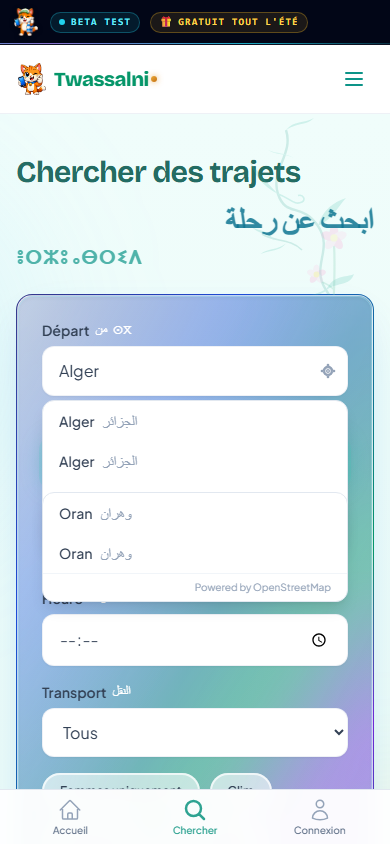
On the home screen fill in From, To and the Date, then tap Find a ride. Each result shows the price per seat, the time, and the driver.
Search rides going your way 🔎
3
Book your seat
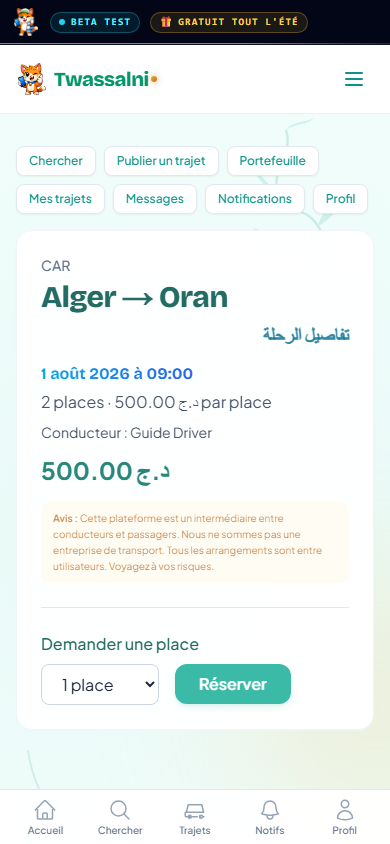
Open a ride, choose how many seats you need and tap Book. The driver confirms — usually within minutes — and you get a notification.
Request your seat — the driver confirms ✅
4
Message & call the driver
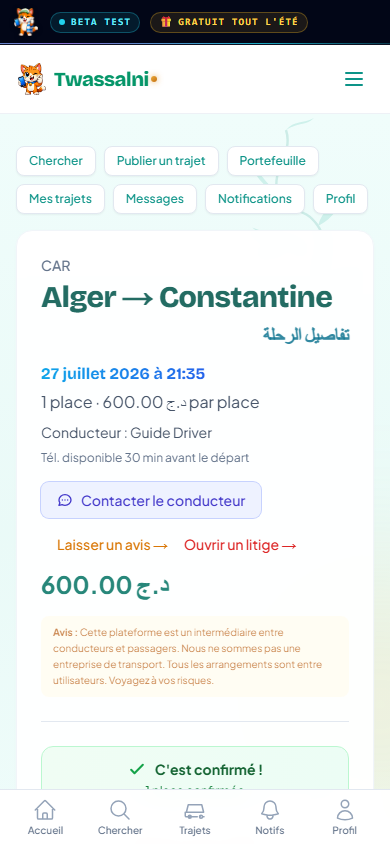
Once confirmed, chat right in the app. From 30 minutes before departure, the Call and WhatsApp buttons unlock so you can meet up.
Call unlocks 30 min before departure ⏱️📞
5
Cancel a booking
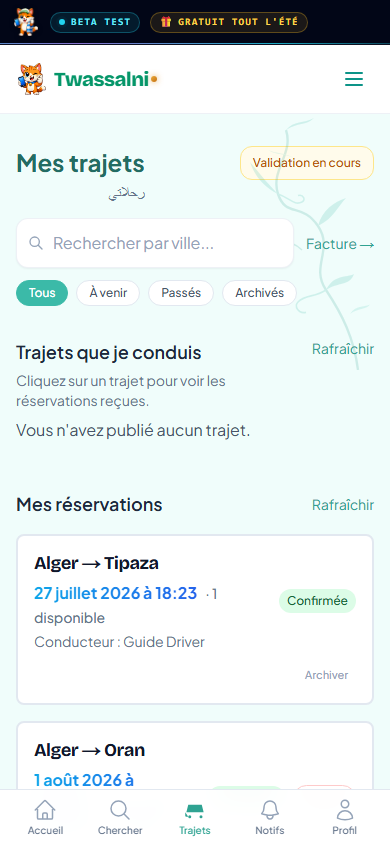
Plans changed? Go to My rides, open the booking and tap Cancel booking. The driver is notified automatically.
Cancel anytime — the driver is told 🔔
6
Rate your ride
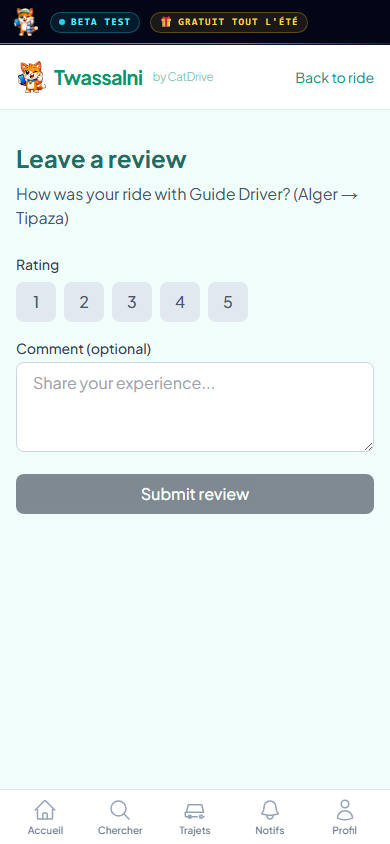
After the trip, leave a star rating — it keeps everyone trustworthy. If something went wrong, you can open a dispute in a tap.
Rate your ride ⭐
🚗
Driving — publish rides
Drivers
Got empty seats? Share the road and split the cost. 🚗
1
Become a driver
Tap Post a ride / Become a driver. Add your name, date of birth and a phone number (required, so riders can reach you). Documents are optional — they earn a Verified badge. Tick the certification box and submit; you're approved instantly.
Become a driver in minutes 🚗
2
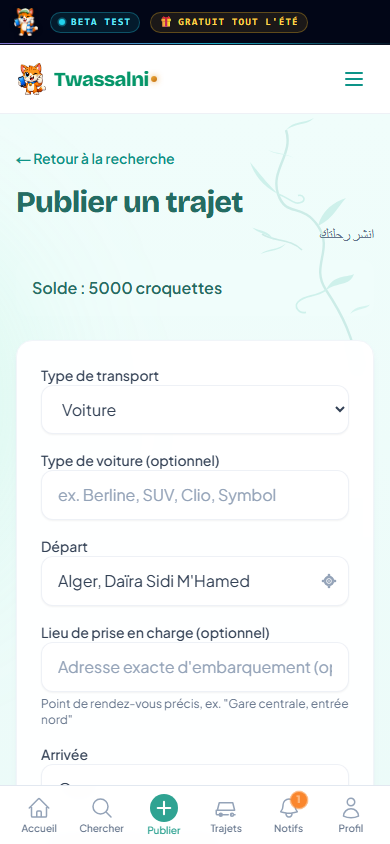
Publish a single ride
Set From, To, departure date & time, seats and price per seat. Add options like AC, women-only, pets or smoking, then tap Post the ride.
Your route, your price, your seats 🪑
3
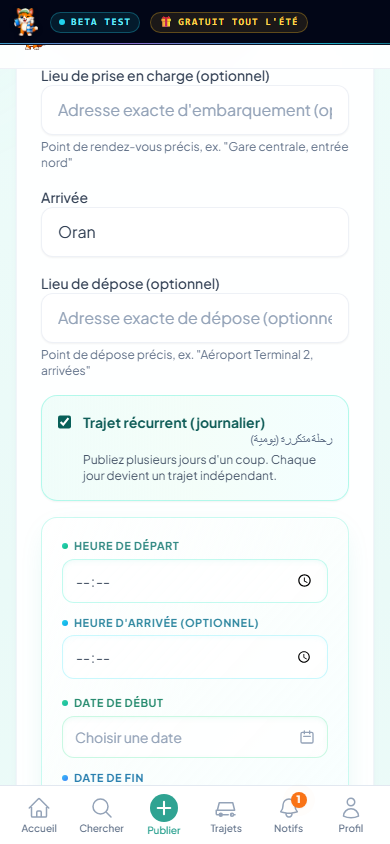
Publish daily / recurring rides
Same commute every day? Turn on “Recurring ride (daily)”, pick your days, and post the whole set at once.
Commute daily? Post it once 🔁
4
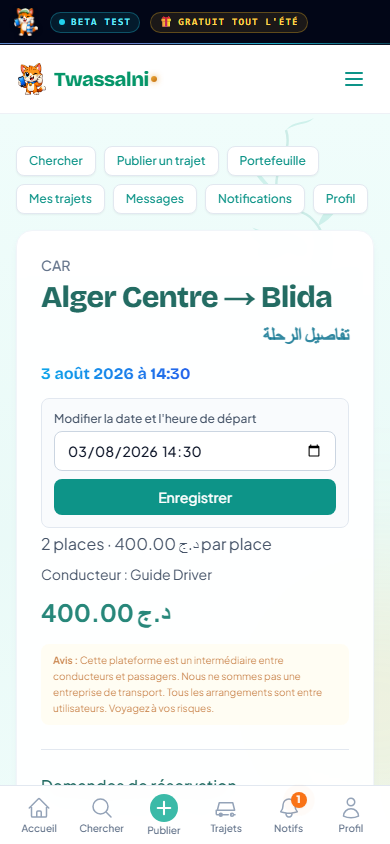
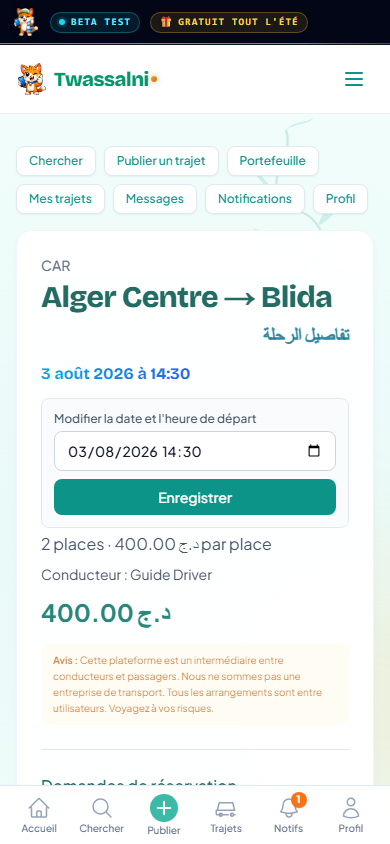
Change a ride's time
Open the ride and tap Edit departure date & time, then save.
⚠️ The time can't be changed once a booking is pending or confirmed — it's locked so passengers aren't caught out. If you must move it, message your passengers first.
Edit the time before anyone books ✏️
5
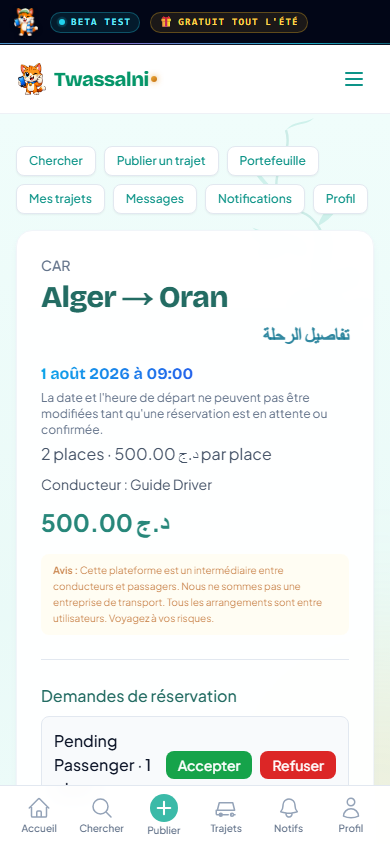
Accept passenger requests
When someone requests a seat you get a notification. Open the ride and tap Accept (or Decline). A chat then opens with that passenger.
Accept, chat, and go 💬
6
Cancel a ride or a passenger
Open the ride and tap Cancel this ride (everyone is notified), or remove a single passenger. For a recurring ride, cancel one date or the whole series.
Cancel cleanly — everyone's notified 🔔
✅ Driver checklist — verify each action
After publishing — search your own route and confirm the ride shows the correct date, time, number of seats, price and description (if any).
Set the time carefully — passengers plan around it, and it locks once someone books.
After changing the time or seats — re-check in search that the new details show correctly (a change can take a moment to appear).
After a booking — verify the number of remaining seats shown in search is correct.
After cancelling — confirm the ride no longer appears in search.
Be reachable near departure — from 30 minutes before, passengers can call you. Keep your phone on.
🔔
Everyone — stay in the loop
Notifications
I'll ping you whenever something happens. 🔔
1
Notifications
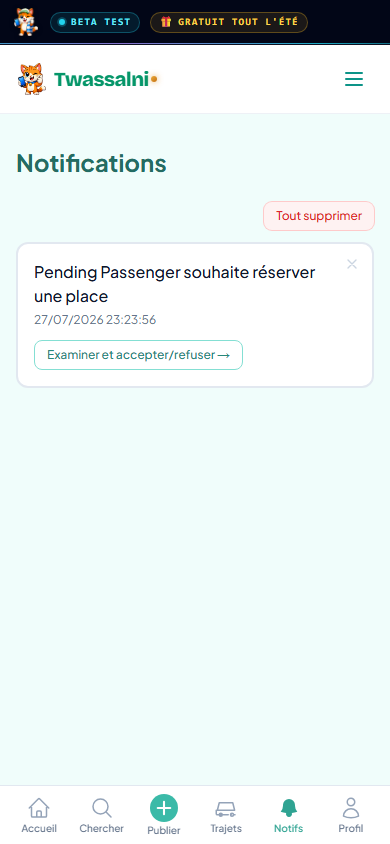
Tap the bell to see everything that matters: a seat request, a request accepted or declined, a new message, or a ride cancelled. Tap any alert to jump straight to that ride or chat.

 Hi! I'm the CatDrive cat 🐱 — I'll walk you through everything. Pick a section below.
 Want a ride? Here's how to find one and hop in. 🐾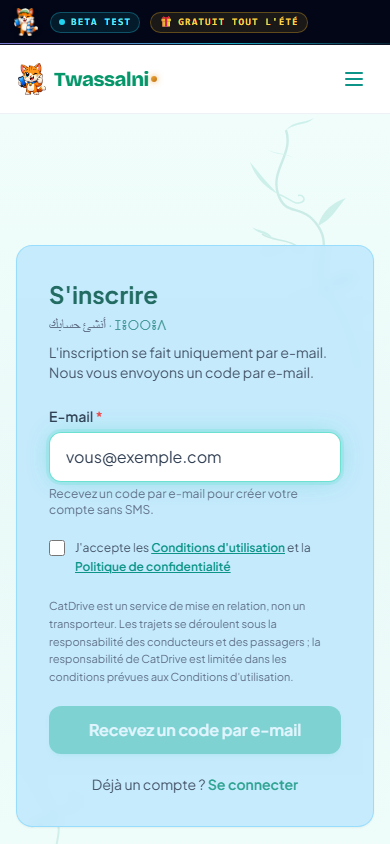
 Got empty seats? Share the road and split the cost. 🚗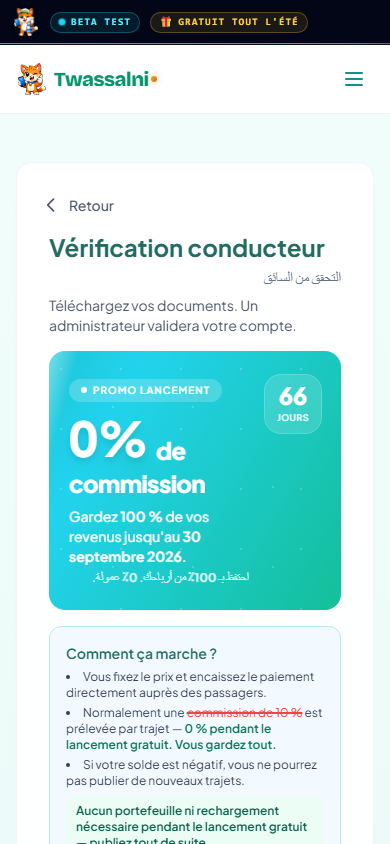
 I'll ping you whenever something happens. 🔔